
Cameras are durable, but dust, smudges, and moisture affect image quality and lifespan. A little routine care keeps your gear working.
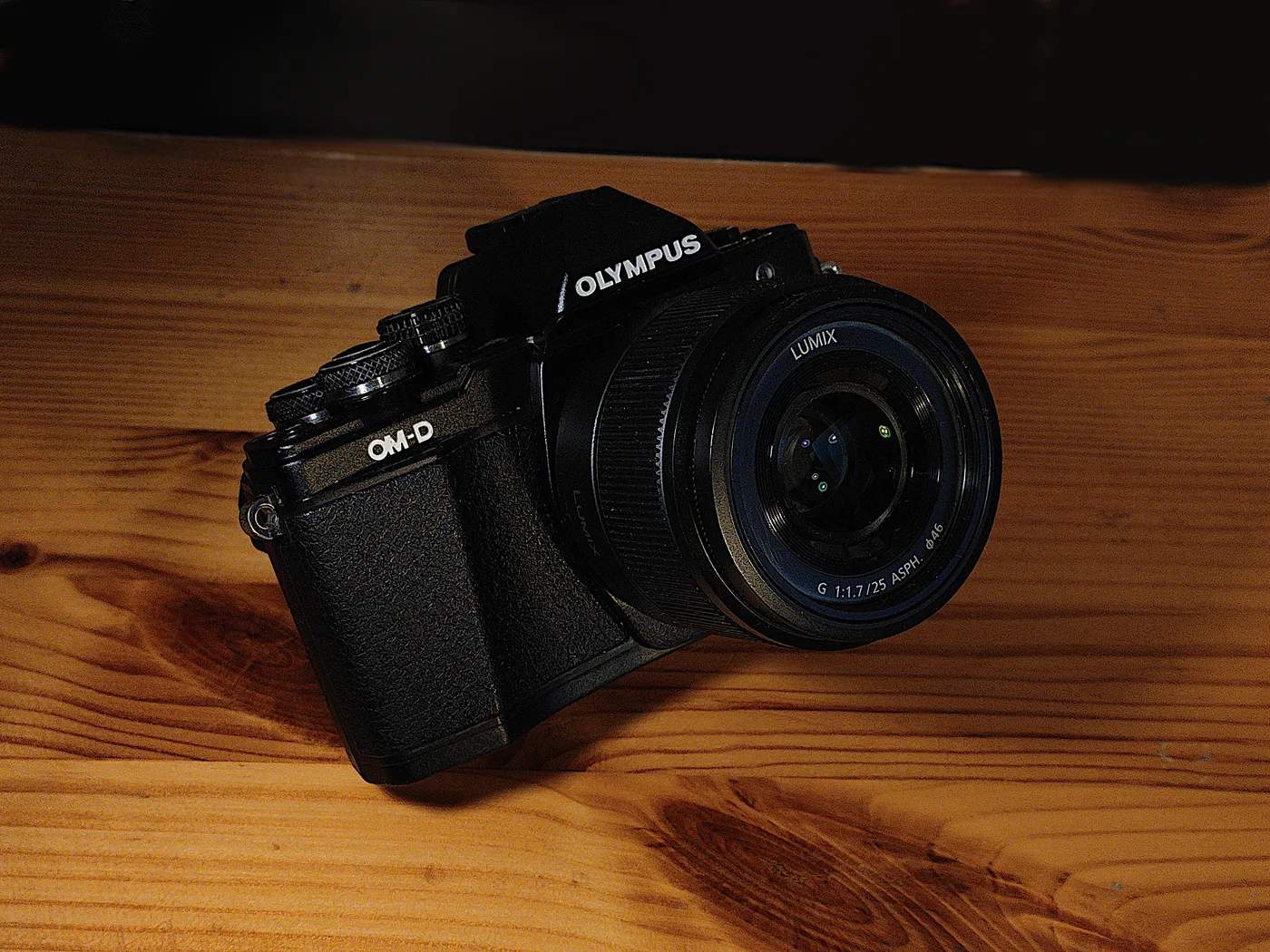
Clean the lens
- Use a blower to remove dust and grit first. Wiping grit can scratch coatings.
- Use a soft lens brush.
- Apply lens cleaning fluid to a microfiber cloth or tissue, never directly on the lens.
- Wipe gently in a circular motion from center to edge.
Protect the lens
Use lens caps and a lens hood. Some people use a clear protective filter.
Clean the body
Wipe the body with a dry microfiber cloth. Use a soft brush around dials and buttons.
Sensor dust
Dust on the sensor appears as dark spots, especially at narrow apertures in skies.
- Use your camera’s built-in sensor cleaning function.
- Use a blower with the lens off and the camera facing down.
- Do not use compressed air cans; propellant can damage sensors.
- For stubborn spots, consider a professional cleaning or a sensor swab kit used carefully per the instructions.
Change lenses carefully
Turn off the camera, face it down, and change lenses quickly, away from wind and dust.
Weather
- Use a rain cover in wet weather, even with weather-sealed gear.
- When moving from cold outdoors to warm indoors, put the camera in a sealed bag to avoid condensation.
- Avoid sand and salt spray.
Batteries
Store at partial charge for long periods. Use genuine or reputable batteries. Avoid extreme heat.
Storage
Store in a dry, cool place. In humid climates, use silica gel packs or a dry cabinet to prevent fungus.
Service
If your camera shows errors or was dropped, have it checked by an authorized service center.
Build a small cleaning kit
A basic kit includes a rubber blower, a soft brush, lens cleaning fluid, microfiber cloths, and lens tissues. Keep it in your bag so you can clean smudges quickly. Replace cloths when they get dirty, since a grimy cloth can smear oils across the lens.
Insurance and registration
Register your camera with the manufacturer for warranty support, and record serial numbers. Check whether your home or renter’s insurance covers camera gear, especially when traveling.
What to clean and how often
| Part | How often | Method |
|---|---|---|
| Front lens element | When smudged or dusty | Blower, brush, then fluid on cloth |
| Rear lens element | Occasionally | Blower first, gentle wipe if needed |
| Viewfinder eyepiece | When smudged | Microfiber cloth |
| Rear screen | When dirty | Microfiber cloth |
| Body and grips | After outdoor use | Dry or slightly damp cloth |
| Sensor | When spots appear | Built-in cleaning, blower, or professional cleaning |
How to check for sensor dust
Set your lens to a narrow aperture such as f/16, focus to infinity or manual, and photograph a plain white wall or clear sky. Zoom in on the image. Dark spots that appear in the same place across photos are likely sensor dust.
Mistakes to avoid
- Breathing on the lens and wiping with a shirt. Shirts can carry grit and leave lint.
- Spraying fluid directly on the lens. It can seep into edges.
- Touching the sensor with fingers or tissues. Always use proper tools or a pro service.
- Storing gear in a damp bag. Moisture invites fungus.
FAQ
Do I need a UV filter to protect my lens?
It is optional. Some photographers like the protection; others avoid the extra glass. A lens hood also offers good protection against bumps.
How do I clean a camera after the beach?
Wipe it with a slightly damp cloth to remove salt, then dry it, and use a blower and brush to clear sand from seams and dials.
Caring for batteries and chargers
Lithium-ion camera batteries last longest when they are not stored fully drained or sitting fully charged in a hot car. For long-term storage, many makers suggest a partial charge in a cool, dry place. Use the charger that came with the camera or a reputable replacement, and stop using any battery that swells, gets unusually hot, or is physically damaged. Carry spares in a protective case so the contacts cannot touch keys or coins, and follow airline rules, which generally require spare lithium batteries in carry-on bags rather than checked luggage.
Protecting gear in the field
A few habits prevent most damage. Keep the strap around your wrist or neck when shooting near water, on bridges, or from boats. Use a rain cover or even a plastic bag in drizzle. In dusty places, change lenses inside a car or tent if possible. In hot weather, keep the camera out of direct sun between shots, since heat can shorten battery life and cause some cameras to pause video recording to cool down. After a trip, take a few minutes to clean the camera before putting it away, so grit and salt do not sit on seals for weeks.